Speak naturally.
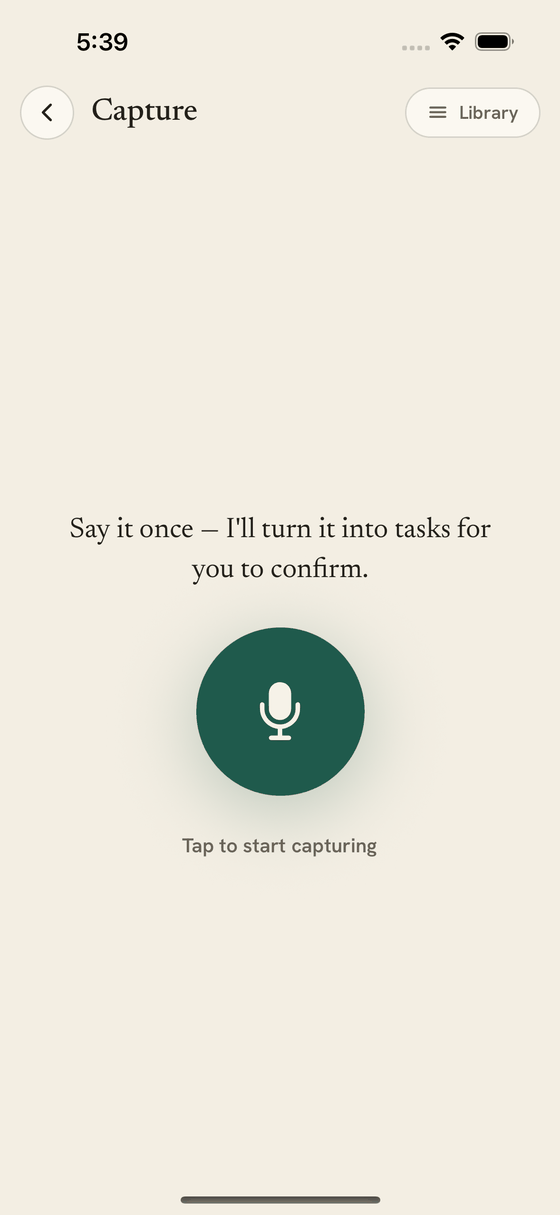
Tap the mic and capture a voice note. Oltrex transcribes the note and identifies what sounds actionable.
AI secretary for founders and solo operators
Oltrex turns voice notes and meeting takeaways into tasks you review, keeps what you owe and what you’re waiting on visible, and helps plan the next move around your calendar.
Remembering what was said is only half the handoff. Oltrex keeps the next move visible.
You start every capture · You choose what to keep · Calendar changes wait for approval
“I told Priya I’d send the deck by Friday. Make sure I don’t lose that.”
From your voice note · ready to review
Send Priya the deck
The missing handoff
A conversation ends. The next thing starts. What you meant to do is still inside a recording—or only in your head.
Moving it into a task system becomes one more task, so it waits. The promise mattered; it simply never reached a place built to hold it.
That isn’t a discipline problem. It’s a missing handoff from conversation to action.
“I’ll send it Friday.”
From “I’ll do it” to something you can act on
Oltrex reduces the distance between a spoken promise and the system you already need to run your day.
Tap the mic and capture a voice note. Oltrex transcribes the note and identifies what sounds actionable.
See what Oltrex heard. Keep the right items, discard the rest, and choose when they belong.
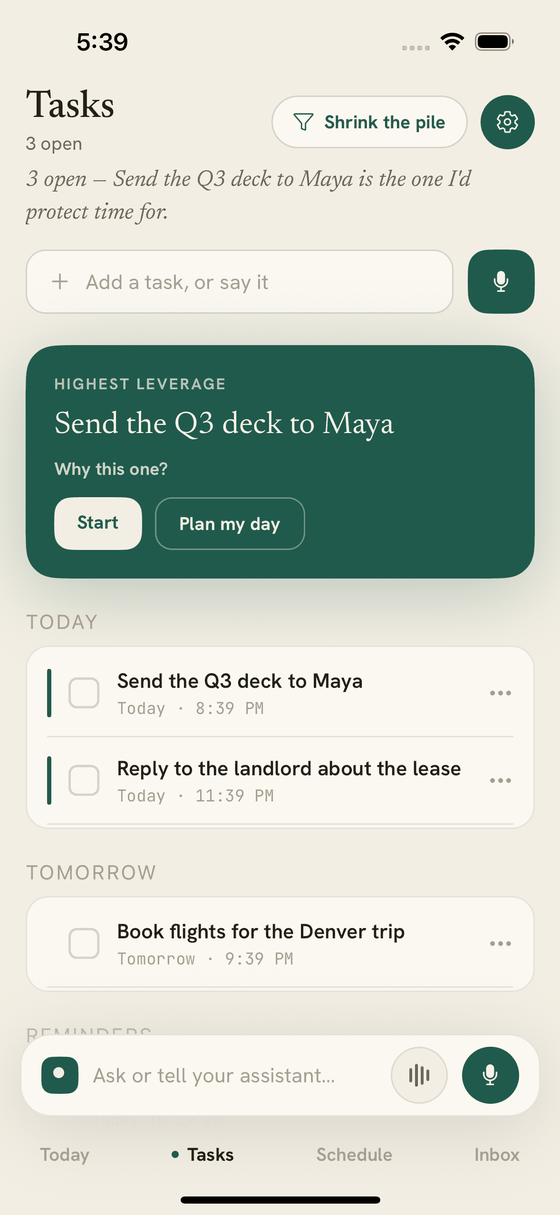
Confirmed tasks appear in Today and Tasks. Waiting-on work stays separate, and a connected calendar can help find open time.
The actual product
What changes
Oltrex pulls possible actions from a capture so you do not have to reread the entire transcript later.
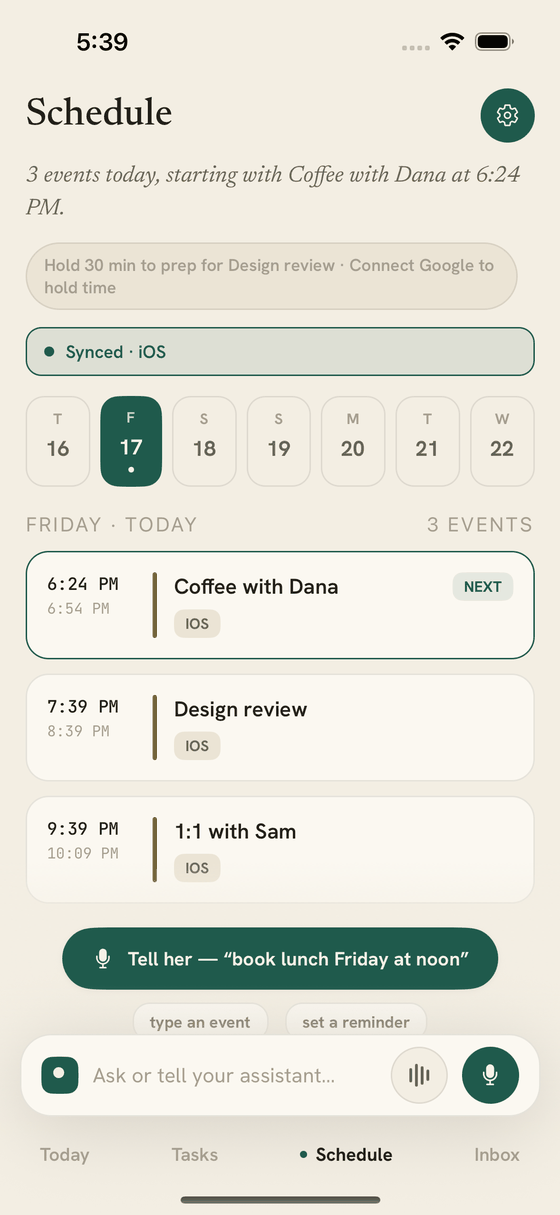
Today brings your next task, schedule, and waiting-on work into one calmer view.
With Google Calendar connected, Oltrex can look for genuinely open time before proposing the next move.
Why an AI secretary, not another chat
Oltrex gives follow-through somewhere to live. You can see where the next move stands, while completion remains yours to confirm.
Oltrex does not independently verify another person’s work in the current release.
Control is part of the interface
Oltrex handles personal context, so the important guardrails should be visible in the product—not hidden in a policy.
The optional “Hey Oltrex” listener is off on fresh installs until you enable it, runs only while the app is active, and stops in the background.
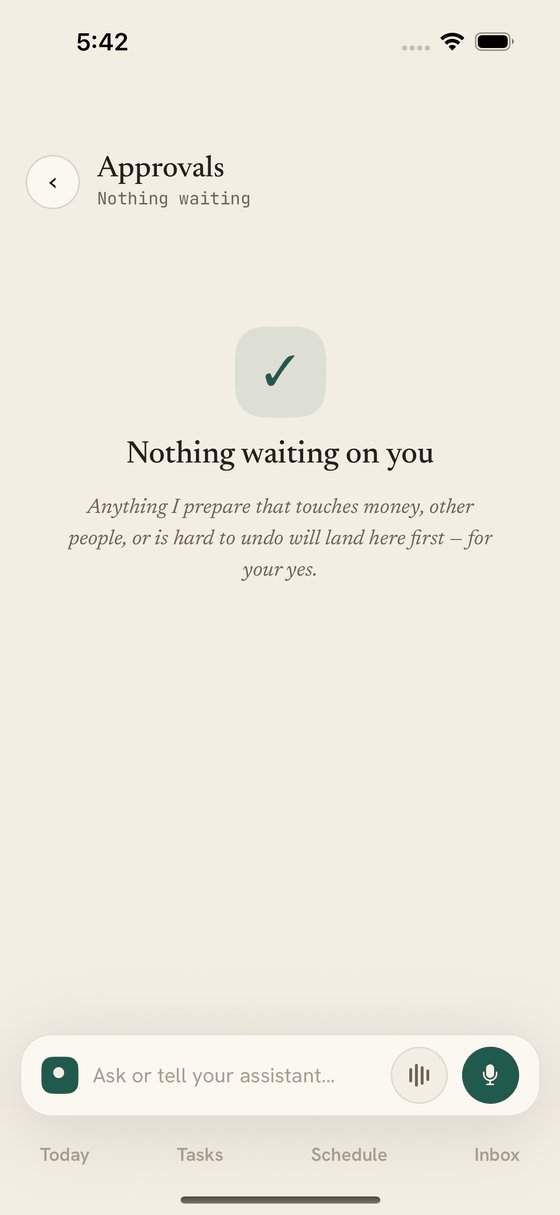
You decide which possible tasks become part of your system.
The current Google connection is Calendar-only; it does not request Gmail access.
Oltrex-managed Google Gemini and Groq processing uses terms that prohibit provider training on production data. If you configure another provider, its terms apply.
“The promise mattered. The handoff was missing.”Why Oltrex exists
Founder story
Oltrex began because Shaurya Jain kept losing small promises between work and life—not because they mattered less, but because they never entered a system. He built the first version as one button that caught the promise when it was spoken.
Shaurya has 7+ years building production AI and data systems and holds an MS in Computer Science from Rutgers University.
Good questions
One voice note is enough to start
Say what you need to do. Review what Oltrex finds. Keep the next move visible.


Available for iPhone and iPad · Free in the current release